
Hedgehogs and red squirrels enjoying connecting to eduroam wifi

eduroam Wi-Fi

eduroam logo

eduroam is an international, secure, and free wireless Internet service accessible to Eastern Education Group staff and students at certain locations so you can get online. It is also available to visitors from other institutions connected to eduroam. This service operates as both a ‘Home and Visited’ service.

a lady looking at her laptop
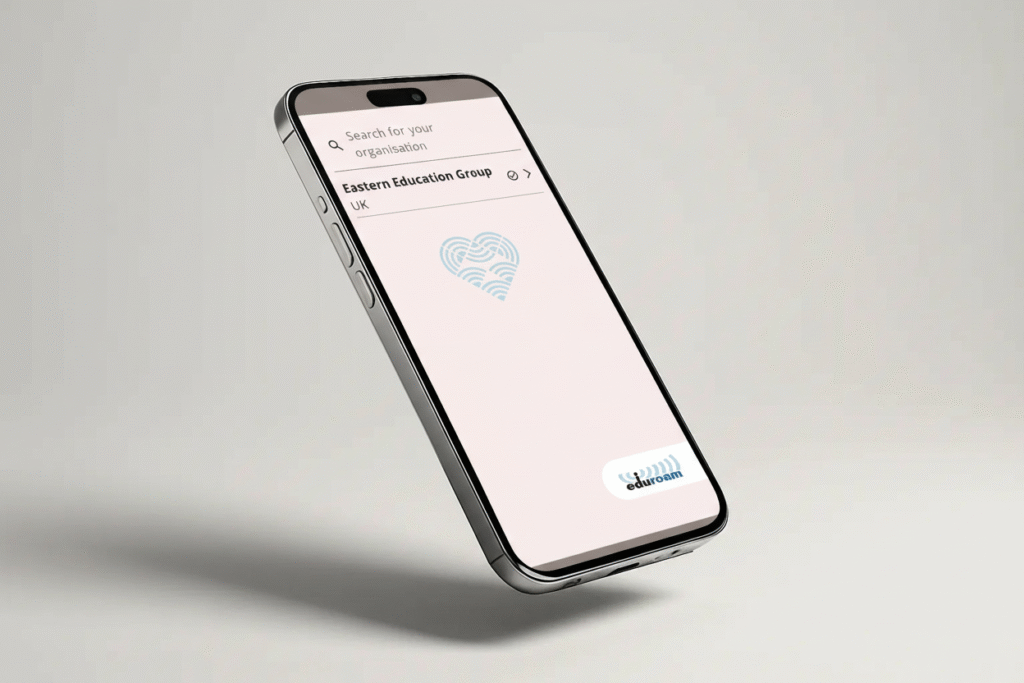
Eduroam on a phone

Where is it available?

eduroam is currently accessible at several Eastern Education Group locations, with plans underway to extend coverage to all members.

The service is available at these sites:

  • Abbeygate Sixth Form College
  • North Cambridgeshire Training Centre
  • One Sixth Form College
  • University and Professional Development Centre
  • West Suffolk College – Sixth Form Campus
  • West Suffolk College – Built Environment Campus
  • West Suffolk College – Haverhill Learning Centre
  • West Suffolk College – Ipswich Learning Centre
  • West Suffolk College – Sudbury Learning Centre
  • West Suffolk College – Thetford Learning Centre

You can also access eduroam at participating institutions. 

Before connecting, please familiarise yourself with both the Wi-Fi Terms & Conditions here, and the eduroam policy here.

How do I connect?

The most straightforward way to connect to eduroam is by utilizing the geteduroam app which automates the configuration.

  1. Download the geteduroam app for your platform
  2. Start the app and search Eastern Education Group or EEG
  3. Enter your School or College credentials and hit connect.

Manual Set Up

The exact method for connecting to the eduroam Wi-Fi will vary from device-to-device

You can find device-specific connection guides below:

If you have previously connected to eduroam using a different institution, it’s best to delete it from your saved Wi-Fi networks and set it up again. Additionally, when you leave Eastern Education Group, remember to remove eduroam from your wireless network list.

Support

If you are a visitor experiencing issues with your login details on eduroam, your first point of contact would be your own institution’s IT helpdesk. If they confirm that your login details are correct, please contact our helpdesk: ecg.freshservice.com

Visitor

If you’re a visitor and you’re not on the eduroam network, we can provide you temporary Eduroam Visitor Access (eVA) to support your visit. 

Once you have your eVA credentials you can connect as follows:

  • – Select ‘eduroam’ Wi-Fi network.
    – Enter your eVA username and password and connect to eduroam.

If this your first time using eduroam with eVA you’ll get a prompt to accept the eduroam Visitor Access certificate – this is OK (it proves you’re connecting via a trusted authenticator). Click/tap ok.
Connection using GETEDUROAM App for best security and hassle-free device setup:

  • – Search and select organisation ‘eVA(UK) – eduroam Visitor Access UK‘. Do not select any other ‘eVA’ identity provider.
    – Enter your eVA guest account username and password.
    – Connect
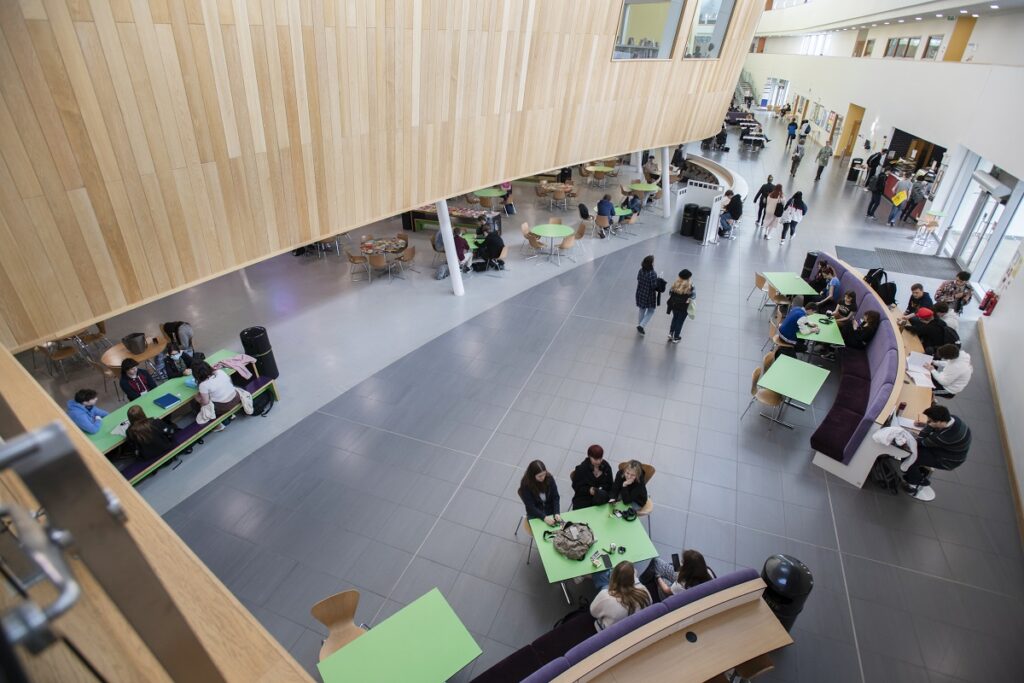
Atrium at One Sixth Form College
A teacher with students

What are the benefits?

By signing into eduroam you will have secure access to the Internet across supported Eastern Education Group locations, or other institutions globally, wherever you see the ‘eduroam’ wireless network.